Project Vanguard

Steam Redesigned

An unofficial redesign of the Steam store and community, running on live Steam data. Use it as a Windows app, an Android app or right in your browser.
Version 3.5.0 · Windows 10 and 11 · Android 7 and later · Free · Open the web version

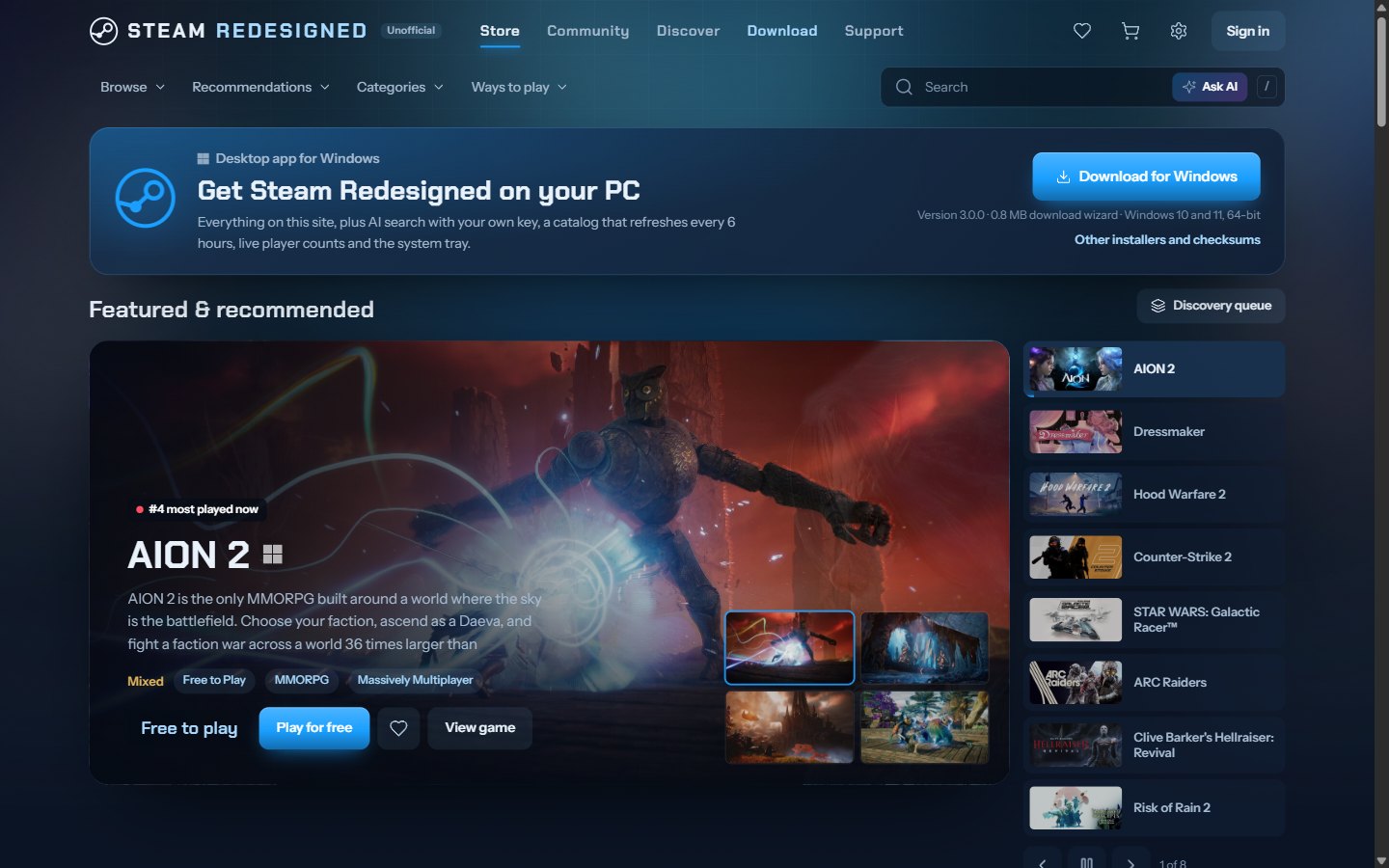
The Steam Redesigned store home page, with the featured carousel and the download band

A closer look

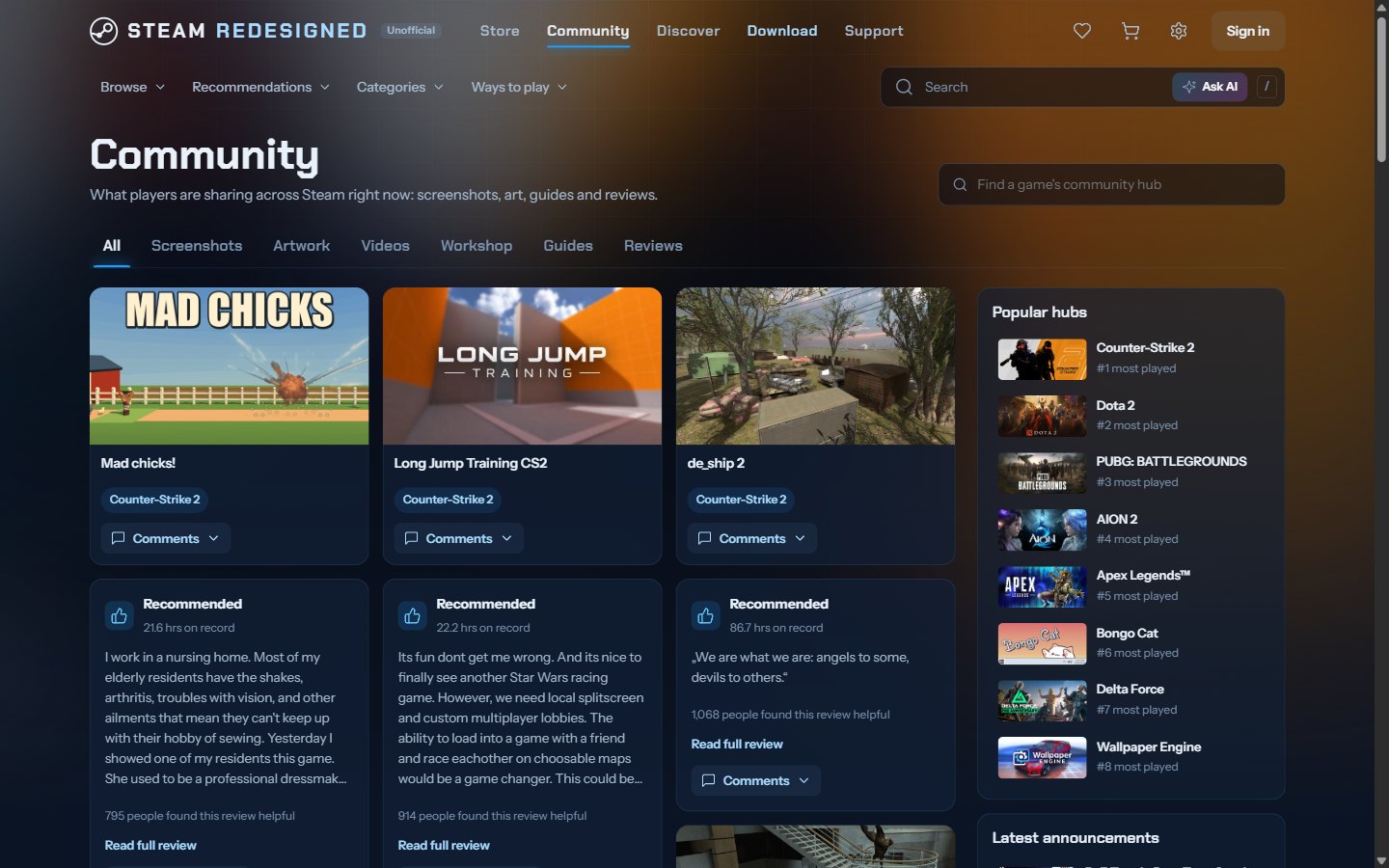
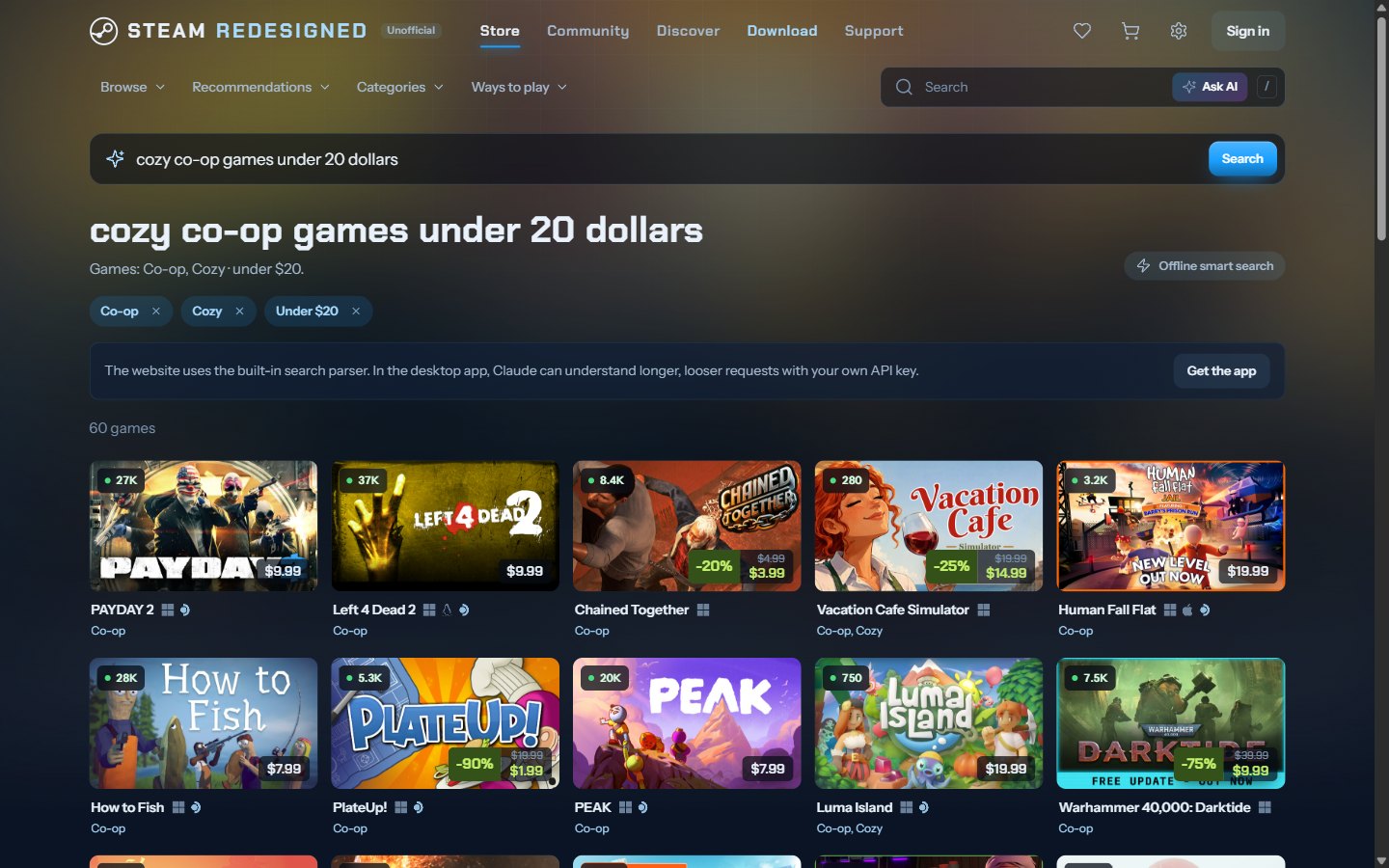
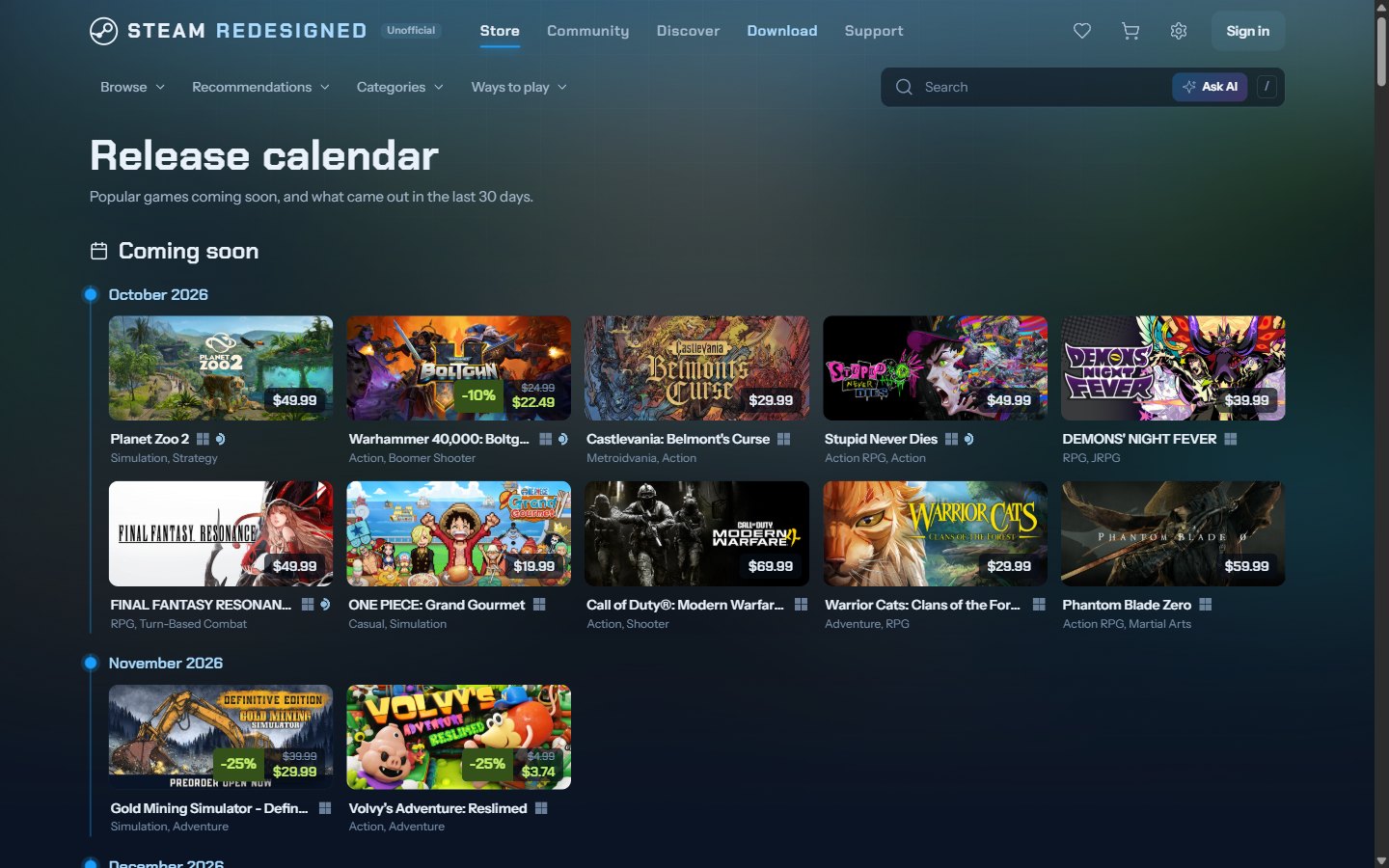
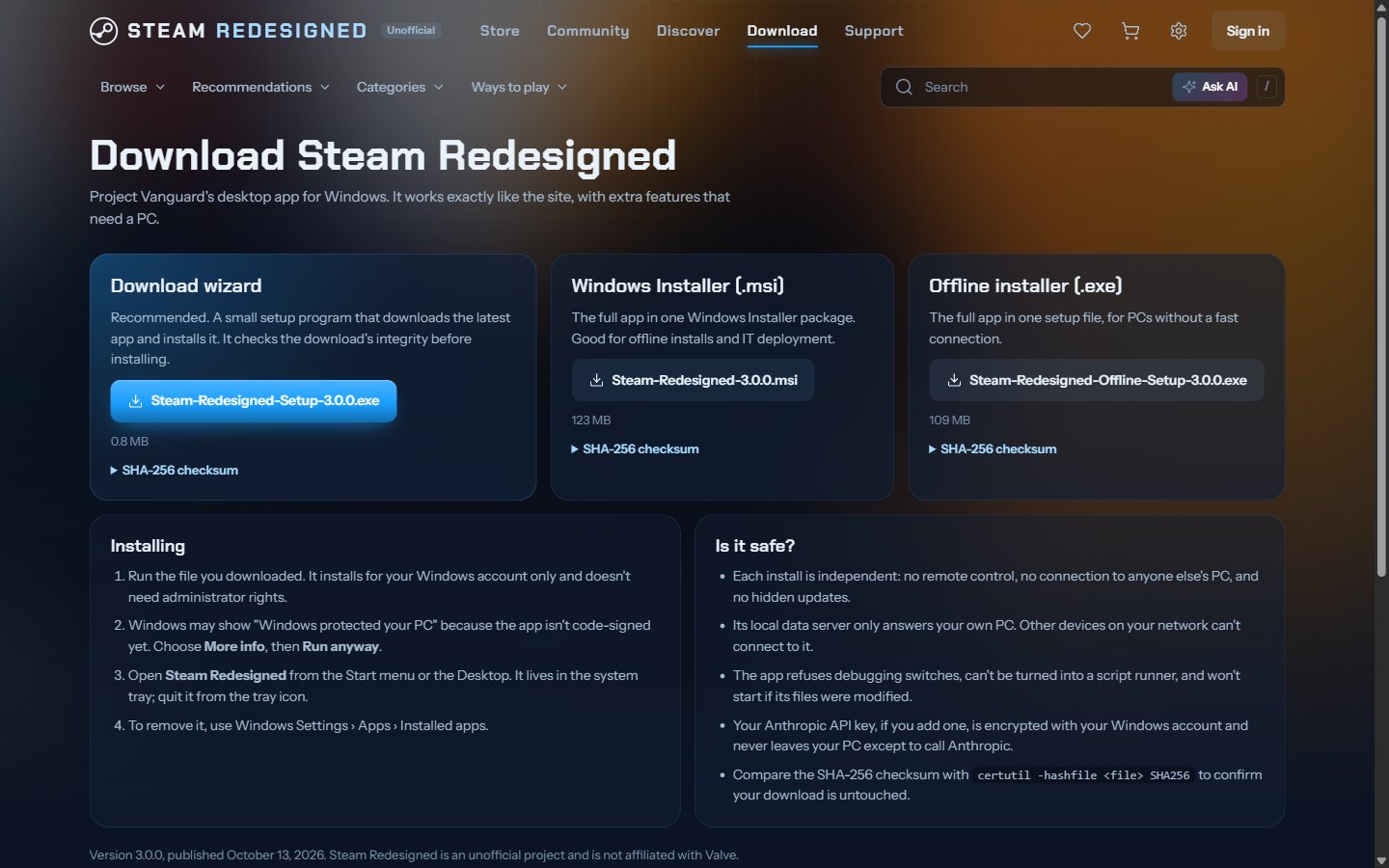
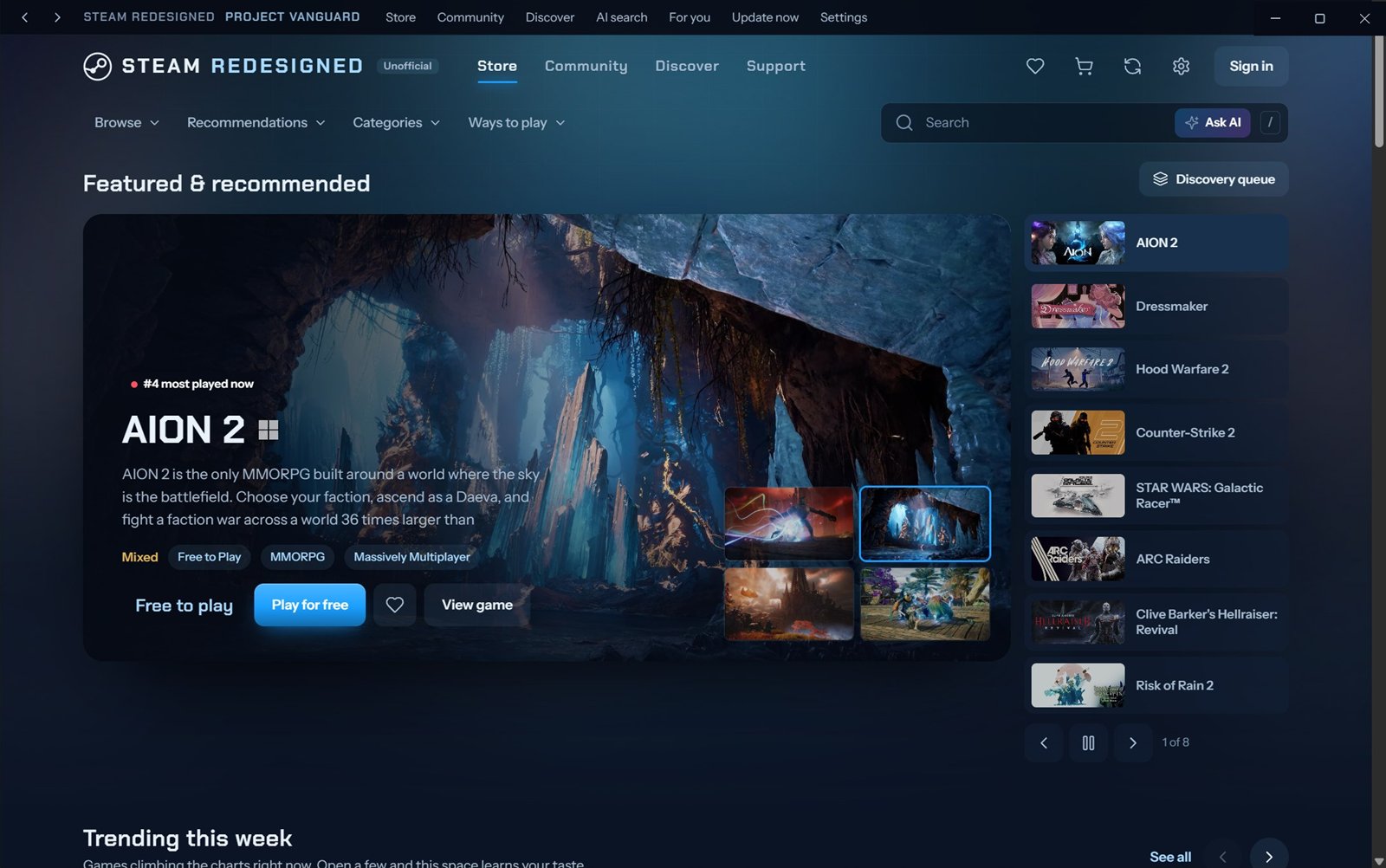
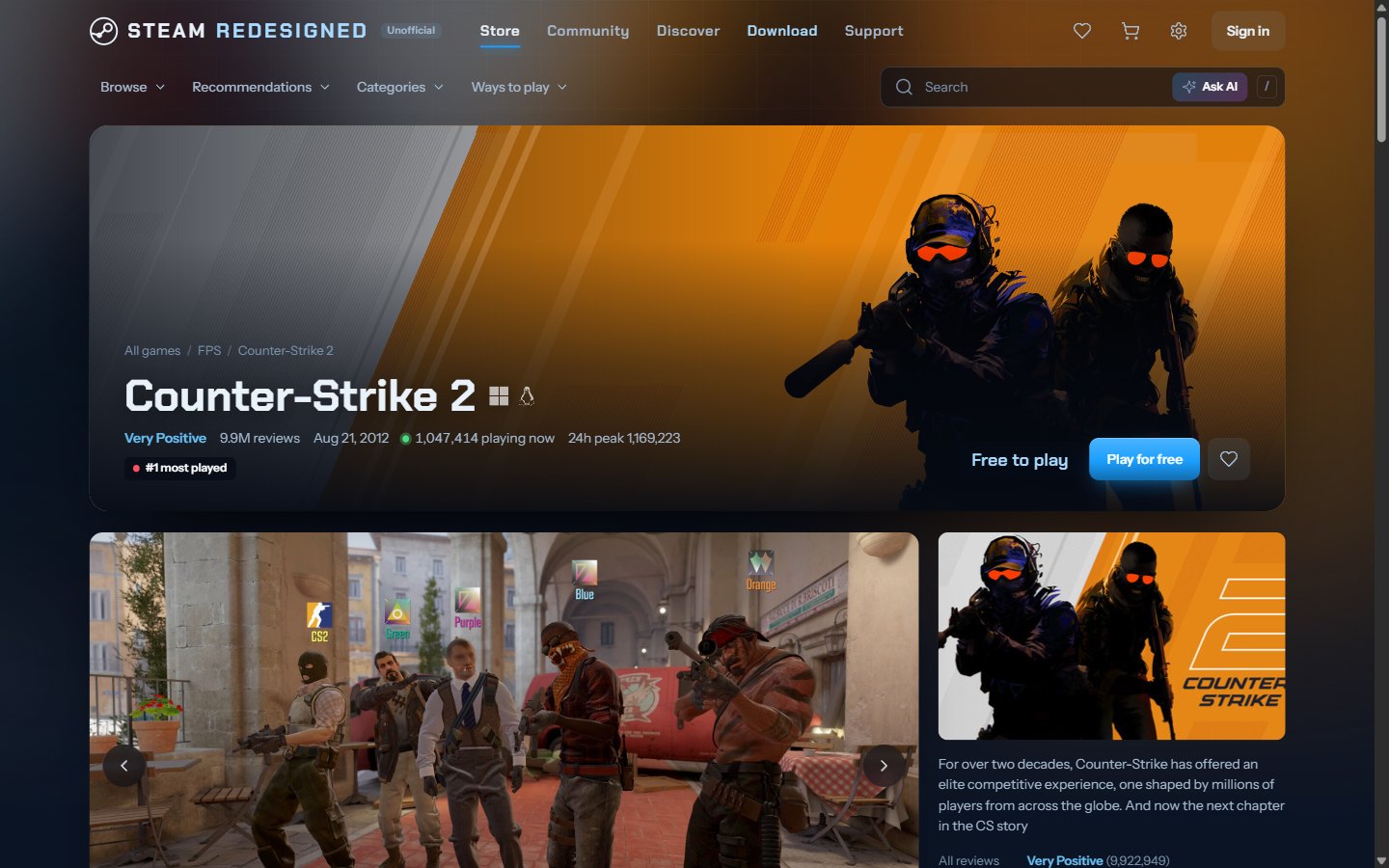
Every screen is rebuilt from scratch with new layouts, motion and colour, while keeping Steam's blue.
What it does

Store

  • Every Steam game with 100+ players at its daily peak, up to 10,000, refreshed automatically.
  • Official Windows, macOS, Linux and Steam Deck logos next to every game name.
  • Live player counts, price and player history charts, and the lowest recorded price.
  • Price alerts on your wishlist with Windows and Android notifications, side-by-side compare and a release calendar.
  • Search that forgives typos, plus AI search, price advice and an AI chat helper with a free AI key (Google Gemini, Groq or OpenRouter).

Recommendations

  • A taste profile built from what you like, wishlist, own and open.
  • Every pick explains why it's there.
  • "More like this" and "Not interested" re-rank the list instantly.
  • Hide tags or owned games from the whole store.

Community

  • Screenshots, art, videos, workshop items, guides, reviews, discussions and news.
  • Comment threads open in place with an animation.

Make it yours

  • Themes, colours, backgrounds, notifications and accessibility options.
  • Animation settings with a live preview: card hovers, page transitions, speed and more.
  • The app lives in the system tray, with an Update now button for instant refreshes.

Which one?

FeatureWindows appAndroid appWebsite
Store, game pages, community, recommendationsYesYesYes
Opens instantly, full screenYesYesIn a browser tab
Catalog refreshEvery 6 hours, or on demandDailyDaily
AI search, price advice and AI chatYes, with a free AI keyYes, with a free AI keyYes, with a free AI key
Catalog size and player limit settingsYesNoNo
System tray, notificationsYesNoNo
Runs onWindows 10 and 11Android 7 and laterAny browser
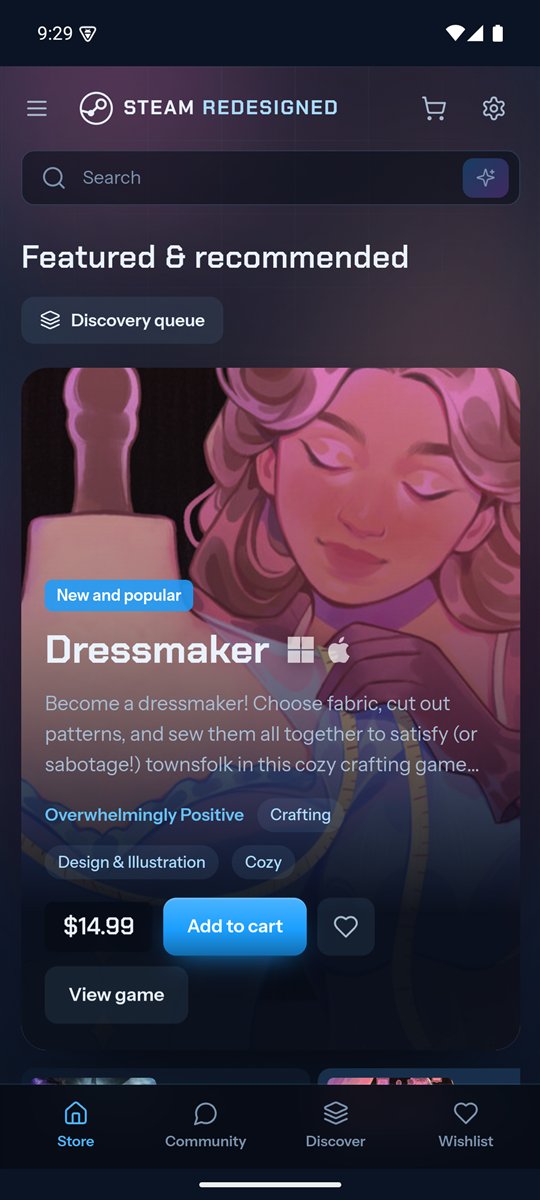
The Steam Redesigned Android app on a Pixel phone
The Android app on a Pixel 8.

Download

Version 3.5.0, released October 15, 2026. Free for Windows 10 and 11 (64-bit) and Android 7 and later. All files and release notes are also on the GitHub release page.

Windows

Installs for your Windows account only and doesn't need administrator rights.

Setup wizard

Recommended. A small program that downloads the app, checks it hasn't been tampered with, and installs it.

Steam-Redesigned-Setup-3.5.0.exe

0.8 MB

SHA-256 checksum50d607d05a45568983fc7c168c468c9c0fe317510fb589ebdadced8740774444

Windows Installer (.msi)

The whole app in one Windows Installer package. Good for offline installs and IT deployment.

Steam-Redesigned-3.5.0.msi

122 MB

SHA-256 checksum5246f6a0fe3603a85c9493f8c394f3b0a07a40f9490b19fd65201647b2d51061

Offline installer (.exe)

The whole app in one setup file, for PCs without a fast connection.

Steam-Redesigned-Offline-Setup-3.5.0.exe

109 MB

SHA-256 checksumc0fcfe0fa88b0bd9f14005c54e3842aeb5617a64edef6499c0eb8f7556f3b6f0

Installing

  1. Run the file you downloaded.
  2. Windows may show "Windows protected your PC" because the app isn't code-signed yet. Choose More info, then Run anyway.
  3. Open Steam Redesigned from the Start menu or the Desktop. It lives in the system tray; quit it from the tray icon.
  4. To remove it, go to Windows Settings › Apps › Installed apps.

Check your download

Open Command Prompt in your Downloads folder and run:

certutil -hashfile Steam-Redesigned-Setup-3.5.0.exe SHA256

The result should match the checksum under the file above.

Android

The store and community as a full-screen app. Your wishlist and settings stay on your phone.

Android app (.apk)

For Android 7 and later. Download it on your phone, then open it to install.

Steam-Redesigned-3.5.0.apk

3.7 MB

SHA-256 checksum0f9518414b368133ca26d8667fc80b354cc64d0a47dc2b96dfd11649d2cd53b3

Installing

  1. Download the APK on your phone and open it from the notification or your Downloads.
  2. The app isn't from the Play Store, so Android asks first. Tap Settings, turn on Allow from this source for your browser, then go back.
  3. Tap Install. If Google Play Protect asks about an unknown app, choose More details, then Install anyway.
  4. Open Steam Redesigned from your home screen. To remove it, press and hold the icon and choose Uninstall.

Check the signature

Every version is signed with the same Project Vanguard key, so Android only installs updates that really come from this project. The key's SHA-256 fingerprint is:

27:F2:C5:0D:14:62:71:AE:67:0C:5F:13:08:BA:50:EF:AD:28:1B:1C:8F:B6:F2:4B:3B:98:60:4C:D3:0A:A9:2F

Built to be safe to share

Every install is a fully independent copy. Nothing links it back to anyone else's computer or phone.

The Windows app

  • No remote control, no connection between copies and no hidden updates.
  • Its local data server only answers the PC it runs on. Other devices on the network can't reach it.
  • Refuses debugging switches, can't be turned into a script runner, and won't start if its files were modified.
  • Your AI provider key, if you add one, is encrypted with your Windows account.

The Android app

  • The only permission it asks for is internet access: no camera, contacts, location or storage.
  • Talks only to this project's read-only service and Steam's image servers, always over HTTPS.
  • No account and no tracking; app backups are turned off, so your data stays on the phone.
  • Signed with the Project Vanguard key, so nobody else can publish an update to it.

The website

  • Read-only: settings and keys only exist in the desktop app.
  • Strict content security policy, HTTPS only, no framing and no tracking.
  • Requests from other websites are refused, and every endpoint is rate-limited.